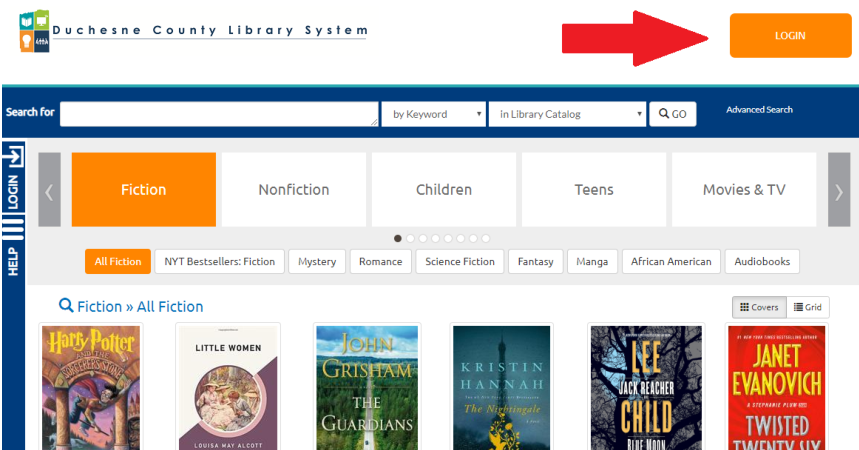
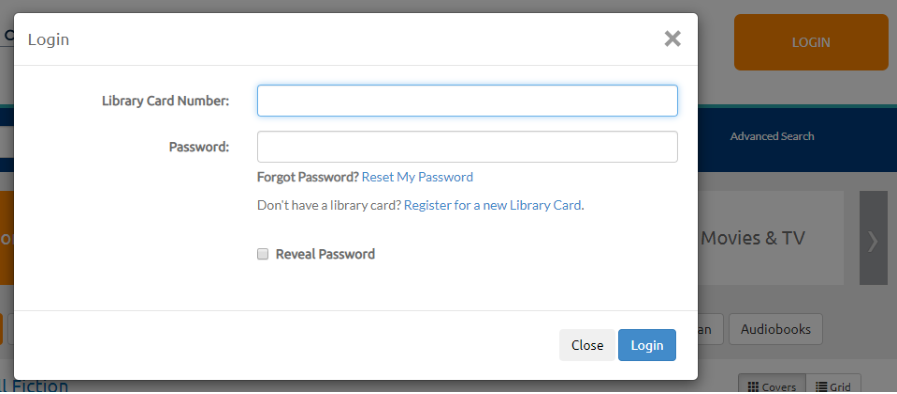
1. LOG IN with your card number & PIN.
On the following "My Account" page you can click on your checkouts or holds.
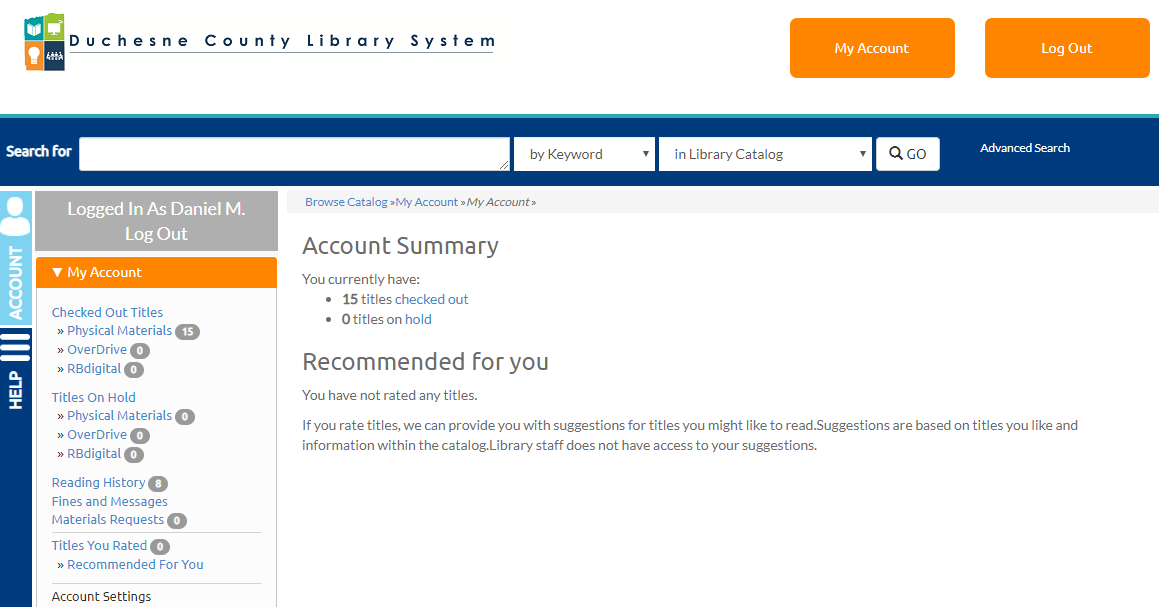
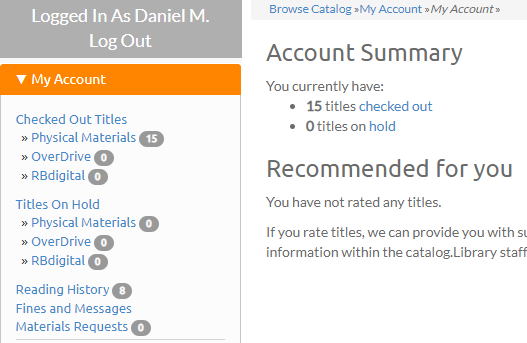
(Also check your Reading History & Request New Purchases here.)
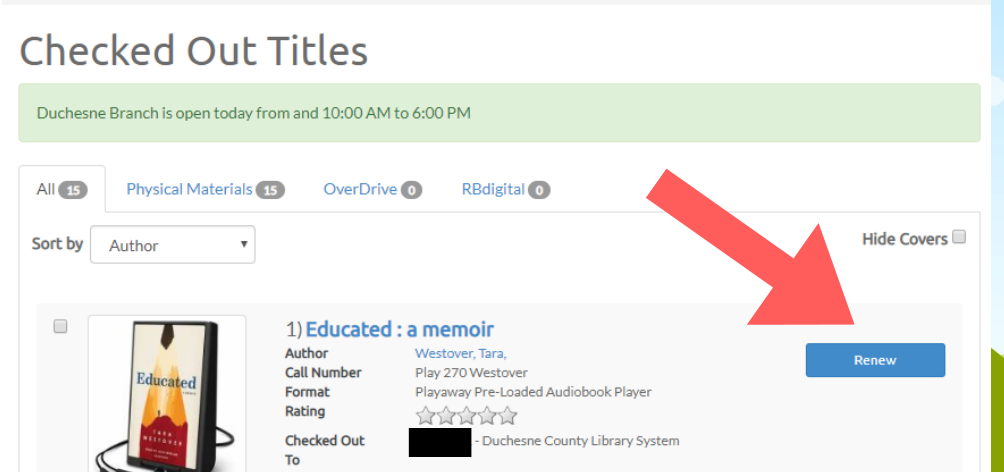
2. After clicking on "Checked Out Titles," to RENEW one item, click the item's "Renew" button.
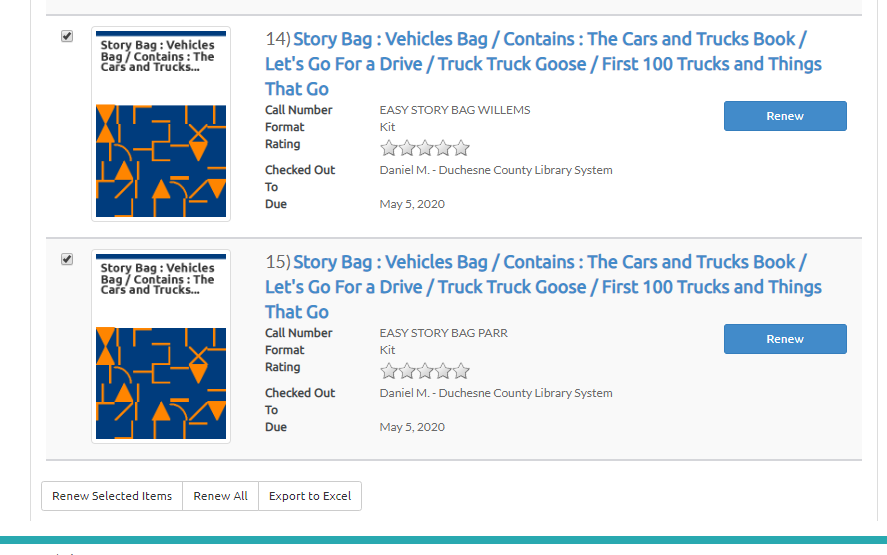
To renew multiple items, check the boxes next to the items and then click "Renew Selected Items" at the bottom of the page or to renew all items at once click "Renew All."
NOTE: Items can only be renewed ONCE. (Videos, hotspots, & tablets CAN'T be renewed.)
Nothing can be renewed if someone else is waiting for (reserved) them.
3. To SEARCH for items, type in the title, author, subject, or keywords in the search bar.
