- Go to inmatesales.com
- Either create an account if not done already, or login to your account

- Once logged into your account you will need to purchase Email Credits if you have not already done so
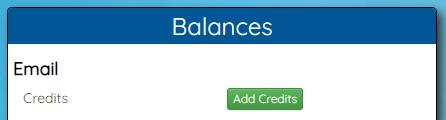
- Follow the steps on screen to purchase email credits. Credits are used to send an email and cost 1 credit per 1 email sent
- Once you have purchased email credits or you already have credits you can select “Send Email” to go to the portal to send emails

- You are now on the portal to send email to an inmate
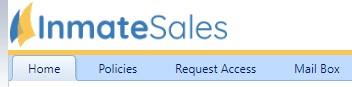
- Home – This is the main menu
- Policies – This is where the jail email policies are found
- Request Access – You start here by first requesting access from the jail to email the inmate
- Mail Box – This is where you can send and receive emails
![]()
