
From PDF to publish-ready in three steps
Use one workflow from upload to accessibility checks and publishing.
Upload your PDF
Start with your source document and generate web-native pages.
Convert and run AI workflows
Apply accessibility, plain-language, and localization workflows to improve outcomes quickly.
Review, edit, and publish
Finalize in AI Editor, then publish or export HTML.
Publish documents as real web pages. Accessibility-first workflows help teams ship higher-quality output with less manual rework.
Semantic HTML output
Convert PDFs into semantic, editable HTML instead of static image layers.
Responsive on every device
Generated pages adapt cleanly to desktop, tablet, and mobile.
Guided accessibility audits
Find heading, landmark, alt text, and reading-order gaps page-by-page.
Plain-language variants
Create audience-specific outputs from the same source document.
Built-in localization path
Publish translated language versions with language routing in the viewer.
Fast publish loop
Edit, version, and publish in one place without leaving the browser.
Workflow Library
Use live presets designed for accessibility, compliance, and multilingual publishing outcomes.
WCAG Page Audit
Page-by-page checks for structure and assistive technology readiness.
Find accessibility gaps page-by-page before publishing.
- Flag heading hierarchy and landmark issues.
- Surface link-label and reading-order risks quickly.
- Prioritize fixes before publishing.
Alt Text Assistant
Generate and review alt text suggestions as part of your editing pass.
Generate and review image alt text suggestions quickly.
- Speed up alt text coverage across pages.
- Keep suggestions grounded in visible context.
- Review and refine before publish.
Plain Language Compliance Brief
Produce audience-specific plain-language outputs from one source.
Create audience-specific plain-language outputs from the same source.
- Generate public notice, internal ops, and executive variants.
- Reduce rewrite time across stakeholder groups.
- Keep all versions aligned to one document.
Translate and Publish
Create translated versions with built-in language controls in the viewer.
Publish language versions with built-in language routing in viewer.
- Generate new language versions from the same source page set.
- Use language-aware viewer routing.
- Publish multilingual content faster.
Live Workflow Demos
Explore a public demo document with workflow controls enabled and demo data clearly labeled.
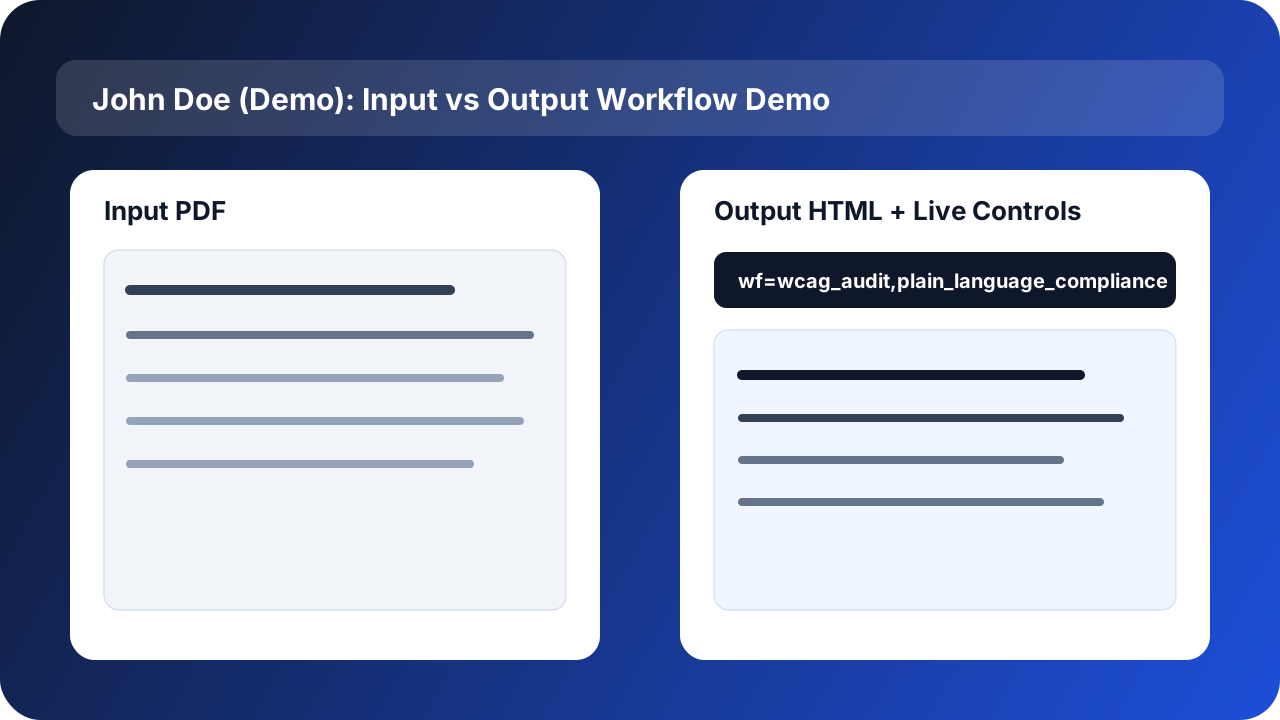
Input vs output with live controls
Open the full demo with WCAG + plain-language workflow parameters enabled.
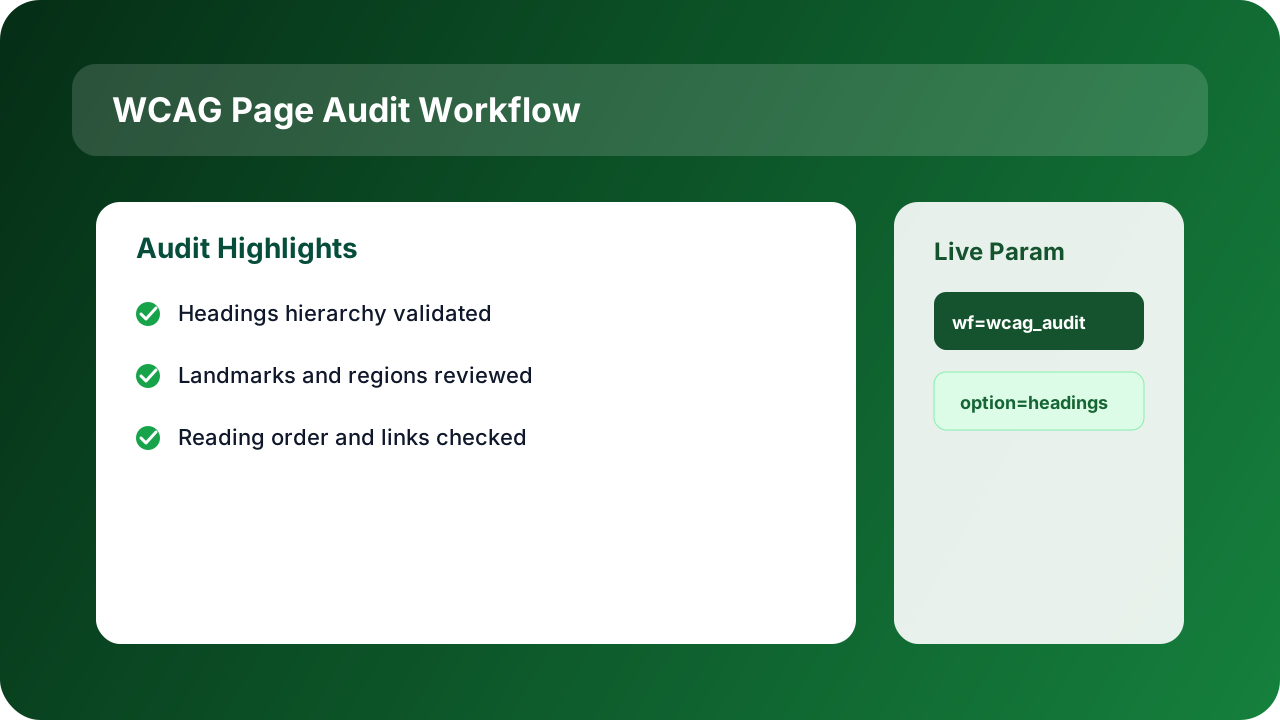
Accessibility workflow demo
Open the demo with WCAG workflow parameters pre-enabled.
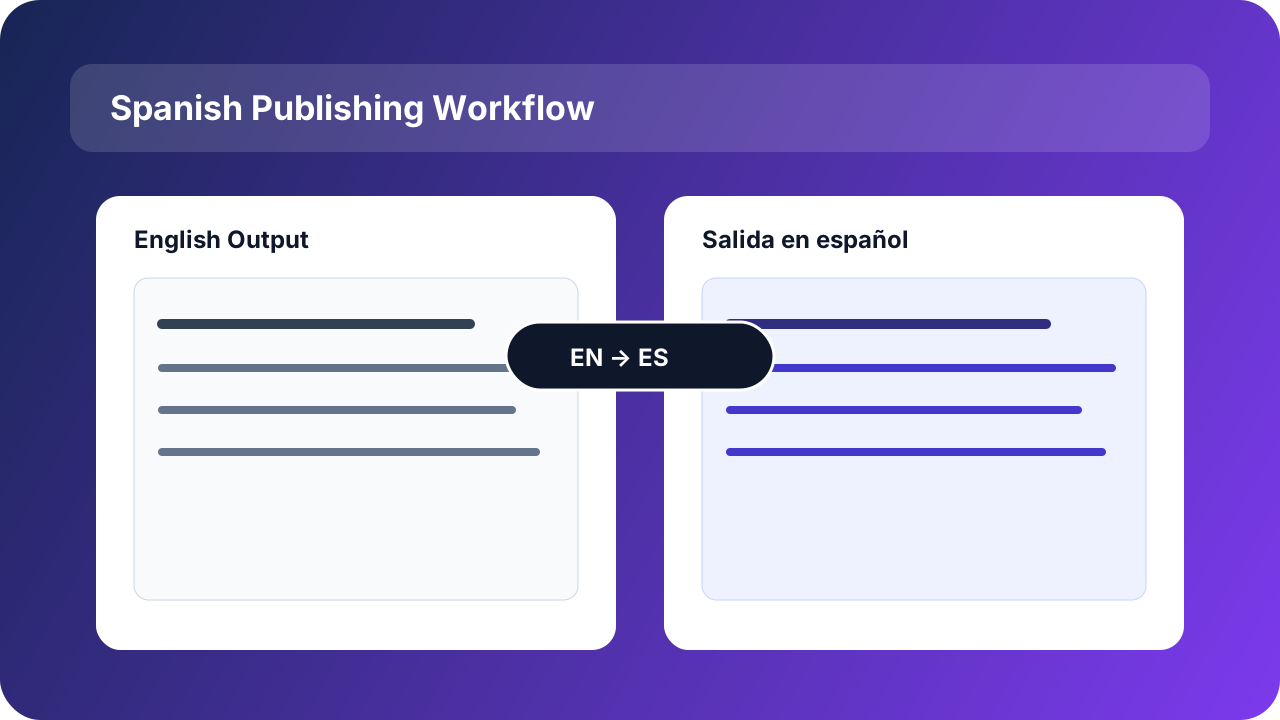
Spanish publishing workflow
Open the demo with Spanish language output and compliance controls.
Upload. Convert. Run AI workflows. Publish.
Convert PDFs to real HTML, apply workflow presets, and use AI Editor for final refinements before publishing.
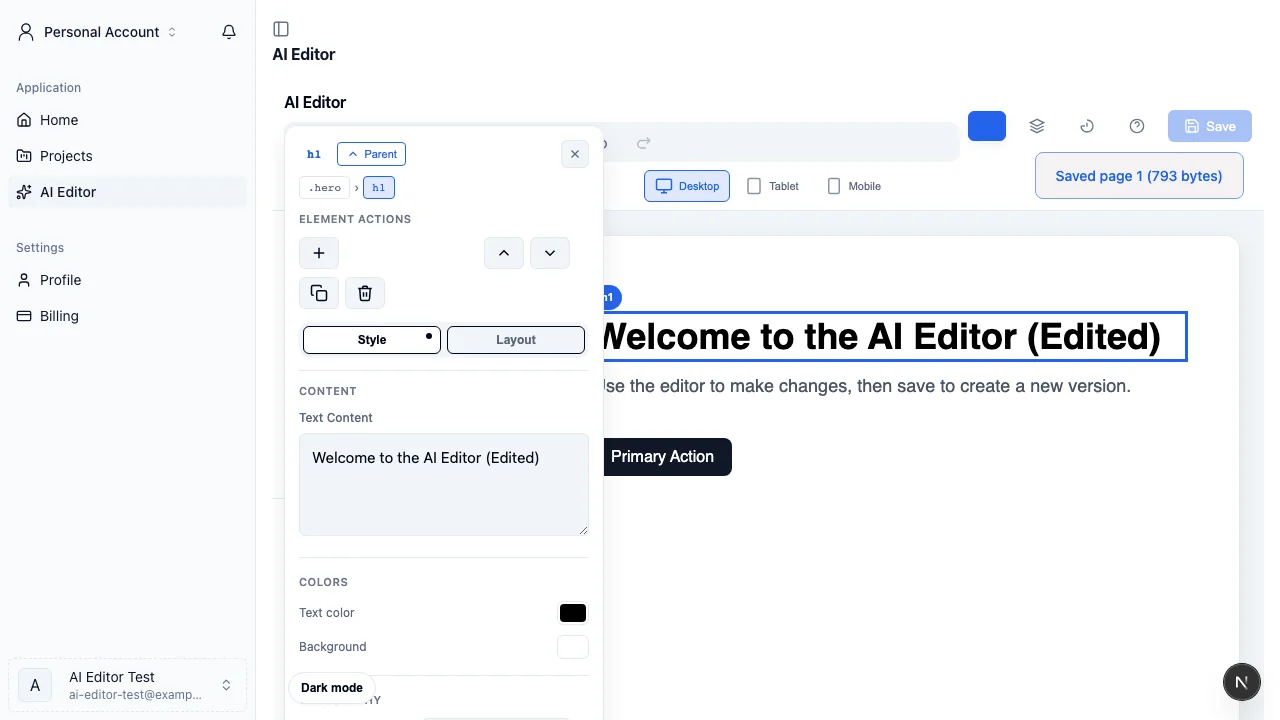
Credits30 free credits for all users
Simple, credit-based pricing
New accounts start with 30 free credits. Students, teachers, and .edu email holders start with 60 free credits plus Advanced AI editor access. Upgrade to $5/month for 30 credits, top up from $2, or contact us for enterprise.
Turn your next PDF into a publish-ready web page.
Start in minutes. Upload a PDF, run AI workflows, and publish real web pages.