
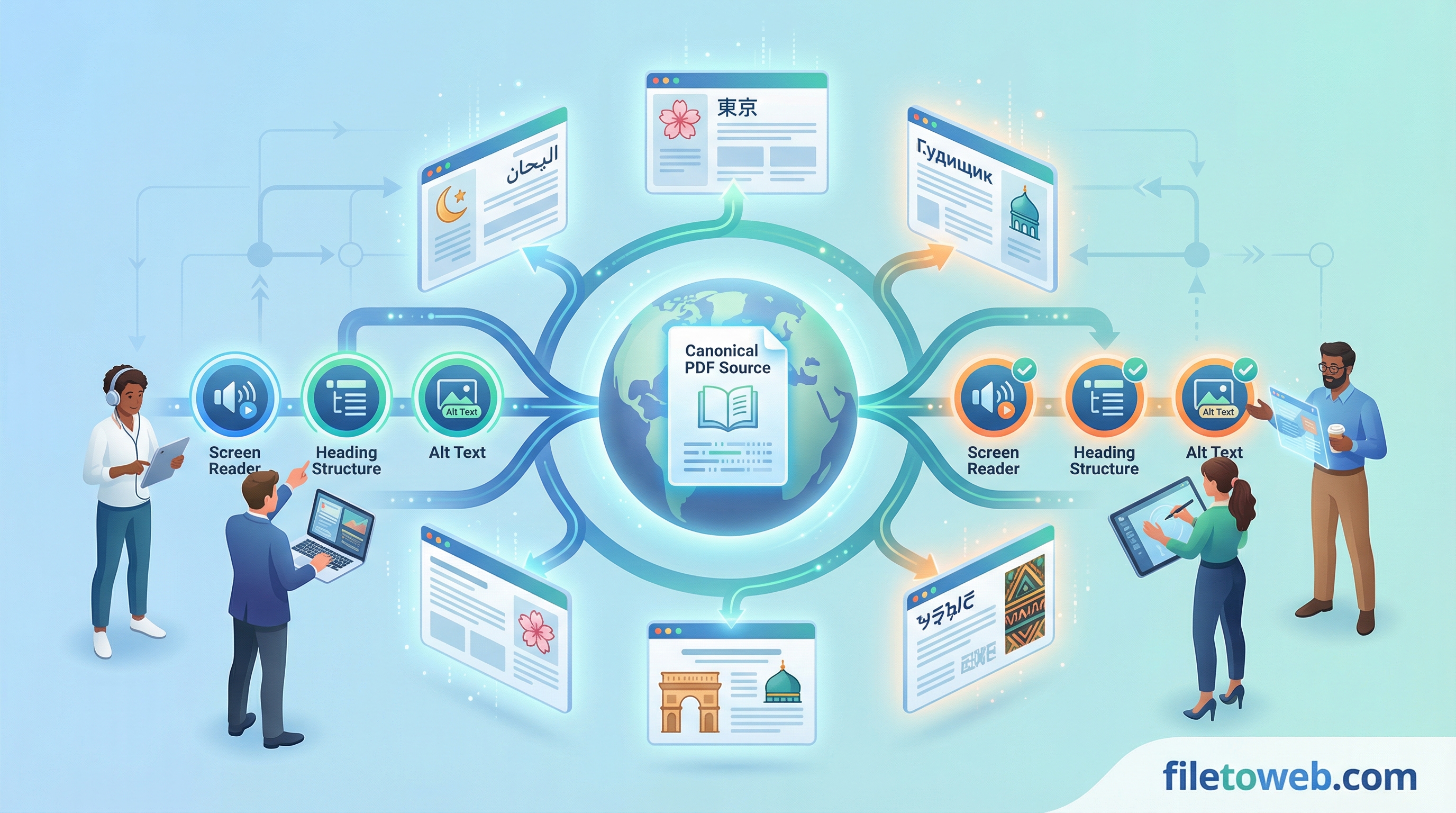
Publishing in multiple languages usually introduces tradeoffs: faster localization can weaken structural quality, while strict quality checks can slow delivery.
A workflow-first approach helps you ship both.
Recommended sequence
Step 1: Convert source PDF to semantic HTML
Start with one canonical source and convert to editable web pages.
Step 2: Run accessibility checks before translation
Use wcag-page-audit and alt-text-assistant first so your source structure is clean before you create language variants.
Step 3: Generate translated versions
Run translate-and-publish with your target language. This creates translated page versions while preserving structure and routing behavior.
Step 4: Validate language-specific output
Review translated pages for:
- heading consistency
- label clarity
- link and navigation readability
- cultural/language QA for key terms
Step 5: Publish with language routing
Publish the translated version and validate viewer behavior using language route parameters.
Practical team tips
- Keep source content stable before major translation runs.
- Use clear naming conventions for target languages.
- Track language-specific QA findings and feed them back to source content when possible.
Keep quality and speed aligned
The fastest path is not “translate first.” The fastest repeatable path is:
- fix structure once
- translate from clean output
- publish with predictable routing
Continue with docs
- Localization playbook: Localization Workflow Playbook
- Accessibility playbook: Accessibility Workflow Playbook
- Create your account: Sign up