Downloading/Printing from VMware/Onbase
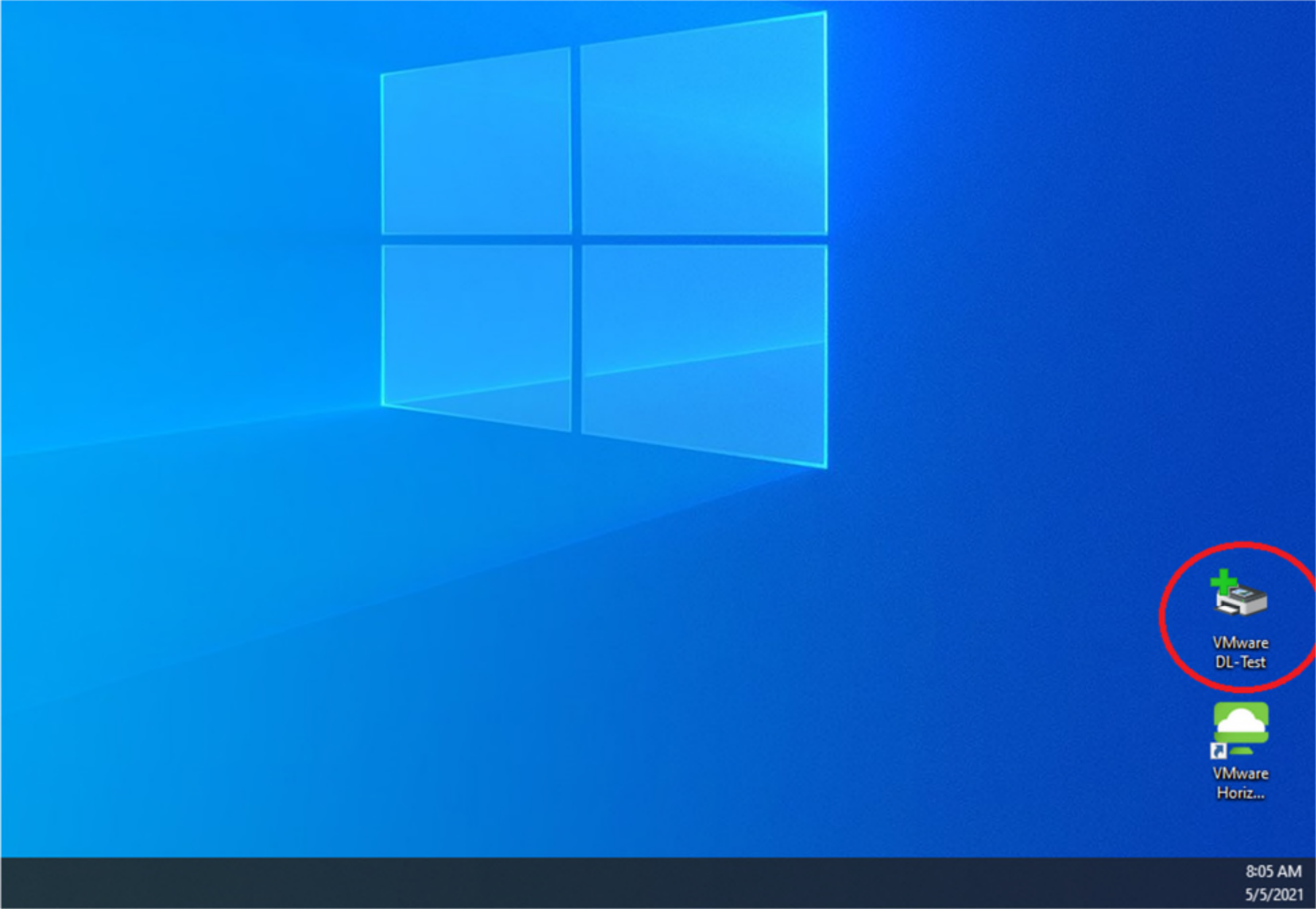
When using VMware/Onbase you will need to save the document to your computer before you are able to print. I recommend creating a folder on your desktop to easily find your downloads (you can name this whatever you want, for my purposes I have named the folder VMware DL-Test).
Next you will need to make sure that when you installed the program, you turned on your file sharing. Please refer to the Installation document on how to do this.
After you have confirmed your file sharing has been enabled you are ready to start printing/downloading. For this next part I will show you two different documents pulled from both Coins and Onbase.