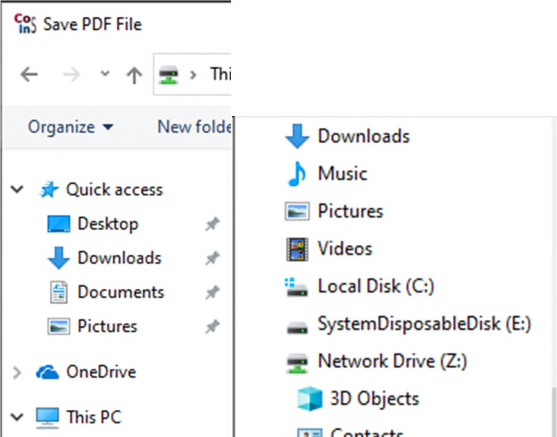
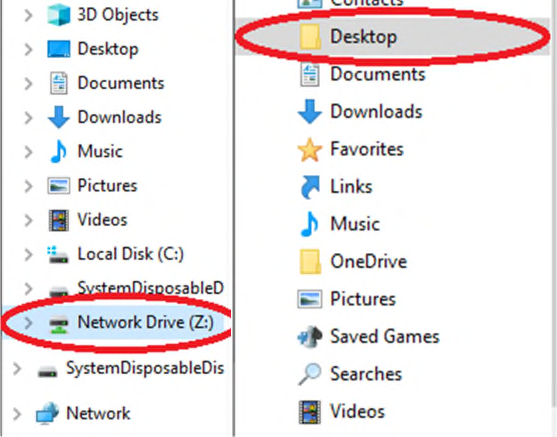
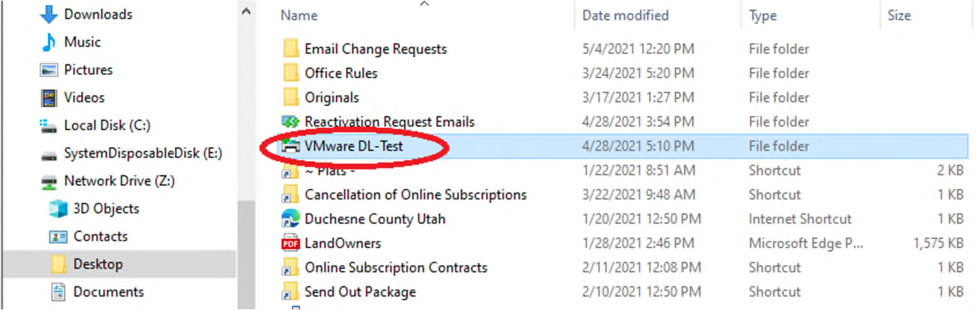
Next choose “Network Drive (Z:).” That is your computer on the network. Drop down that file destination and then find your Desktop. Once that is found you can double-click on your preferred destination for the download. This is why I suggested creating a folder on your desktop. I will be saving to that location.