If you are printing a document from Onbase, the only difference is that instead of clicking the print icons in the upper left side of the screen, you’ll have a screen like this.
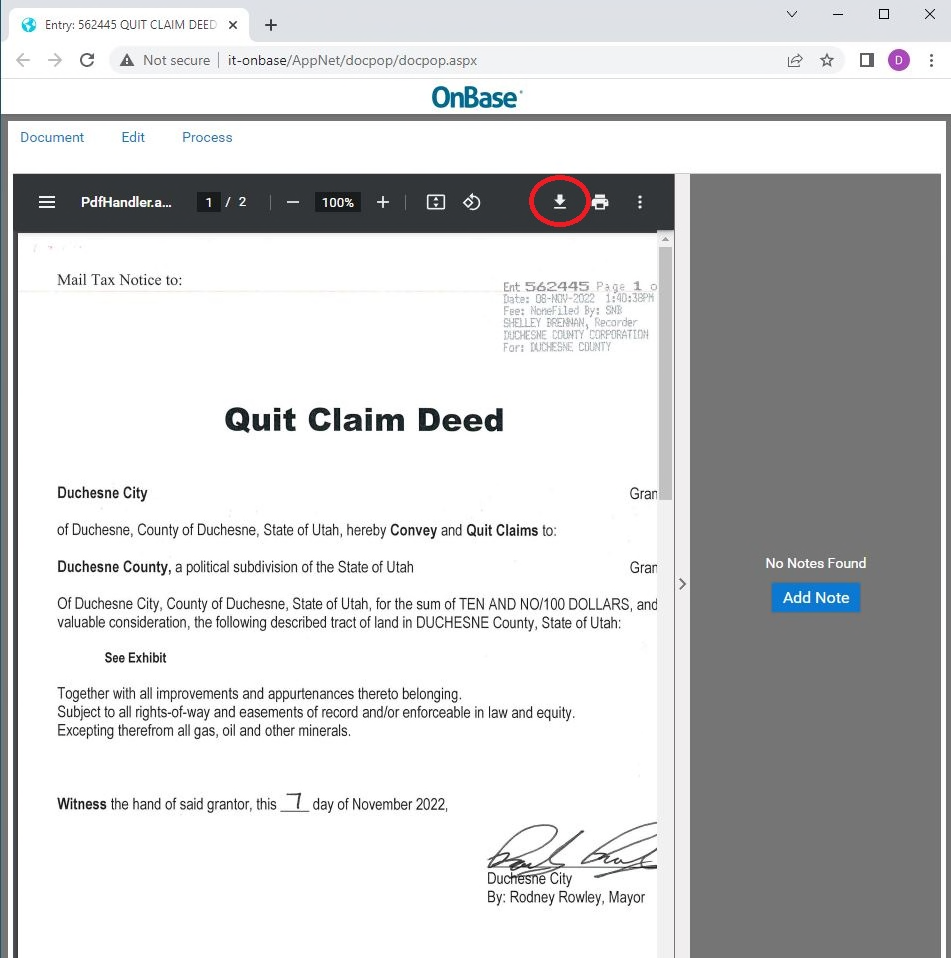
Click on the download arrow, and then follow the same steps as previously listed. Additionally, you can click on the print icon, and choose “Print to PDF.”