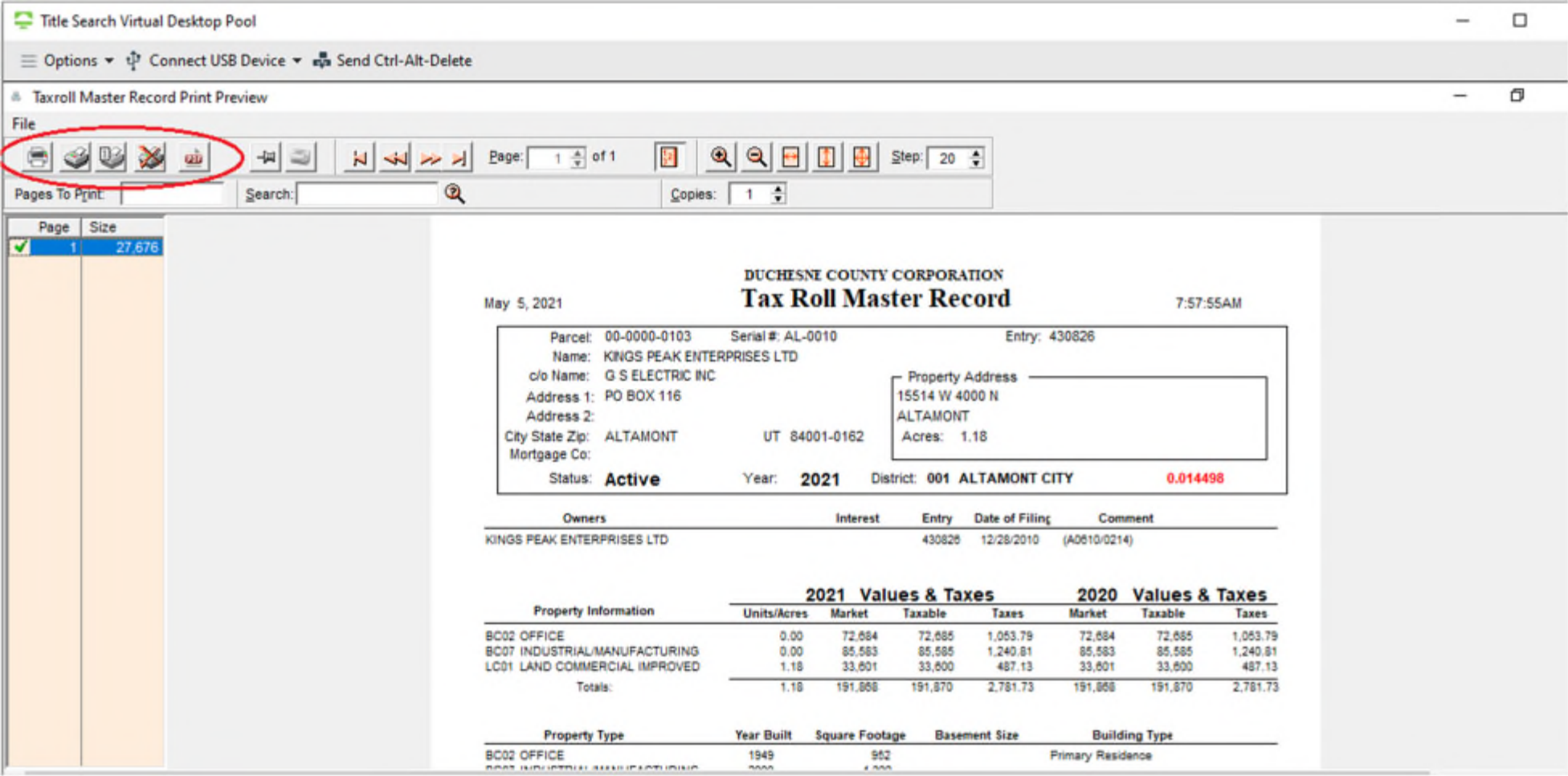
Here is a Tax Roll Master Record I pulled in Coins. After hitting the first Print/Scan icon you will come to a screen like the one shown below. At the top left of the screen there are multiple icons for printing. Choose the “PDF” icon.
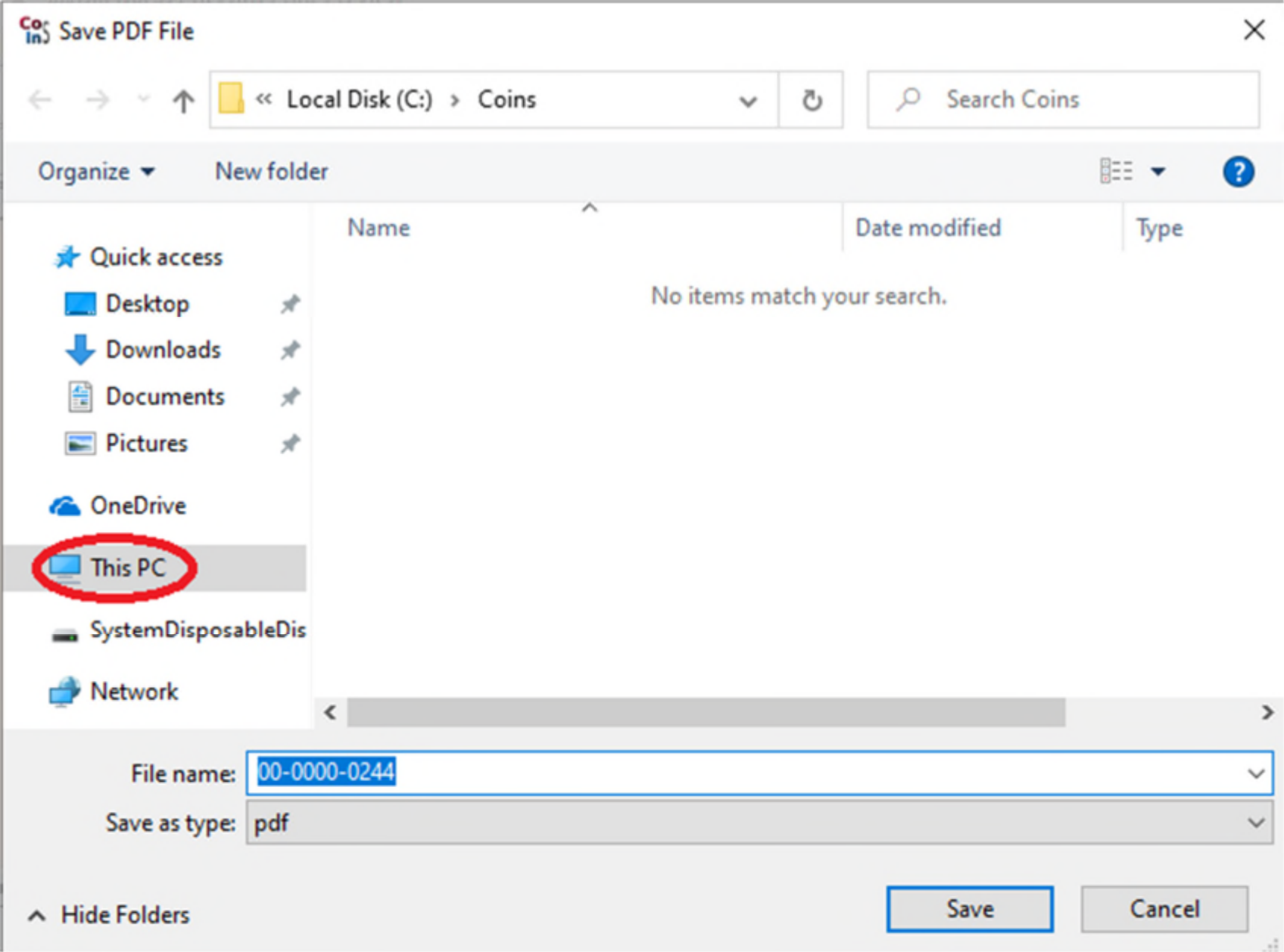
It will then take you to a screen showing where you are saving the document to. From there you want to make sure the document is saving to your computer, and not to the virtual desktop. First you will want to double click on “This PC.”