After you have chosen to install the VMware Horizon Client, you will be directed to the next page where you will choose your operating system. Please note, not all of the options available are pictured.
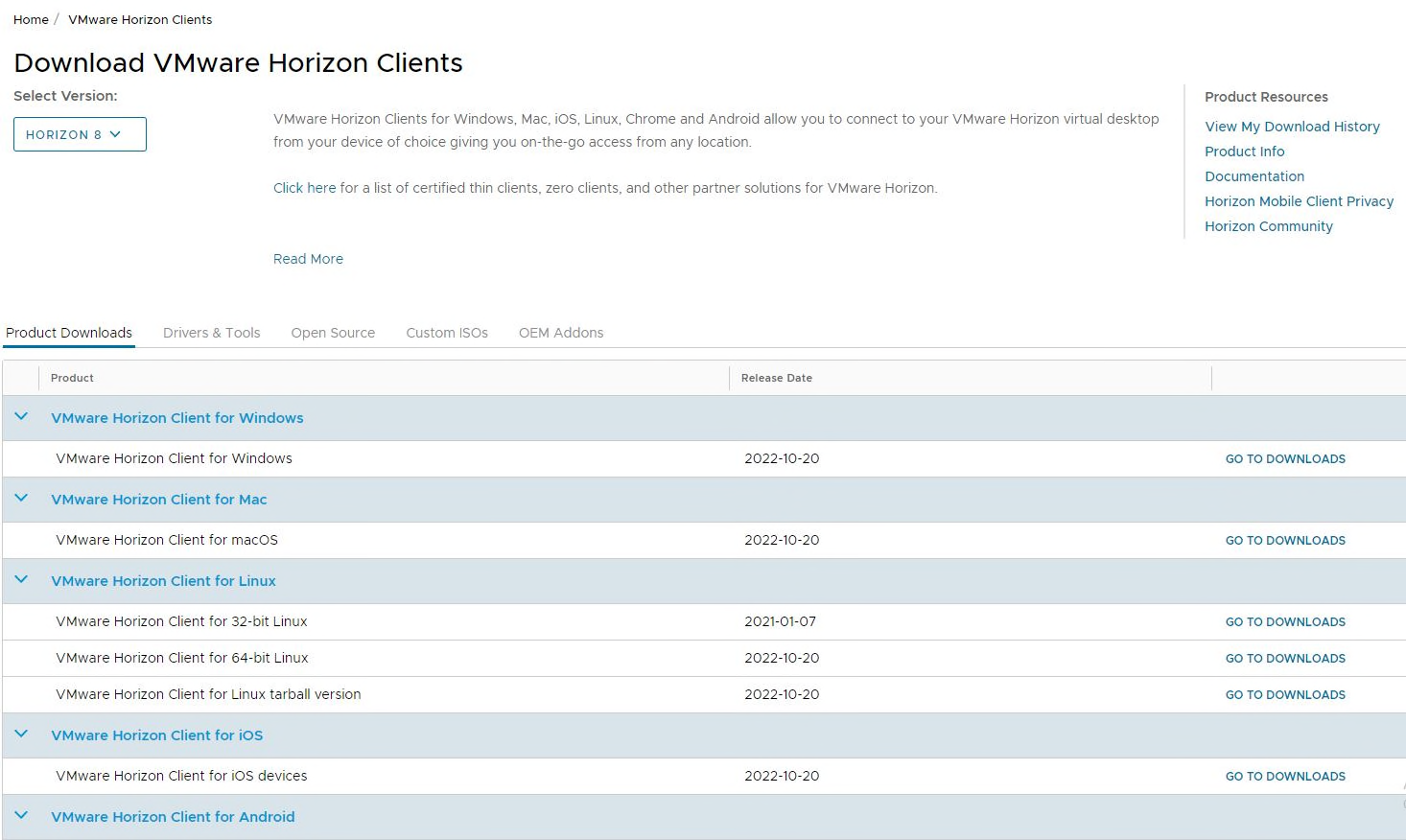
Once you have selected the correct operating system, click “Go to Downloads.” On the next screen, please verify this is the operating system you want, then click the “Download Now” button to begin the download.

When the download is complete, click on the file to initialize the Installer.