After opening the settings window, make sure the display scaling option is turned on to ensure you are seeing the entire screen. After that, you will want to choose the “Drive & Folder Sharing” tab.
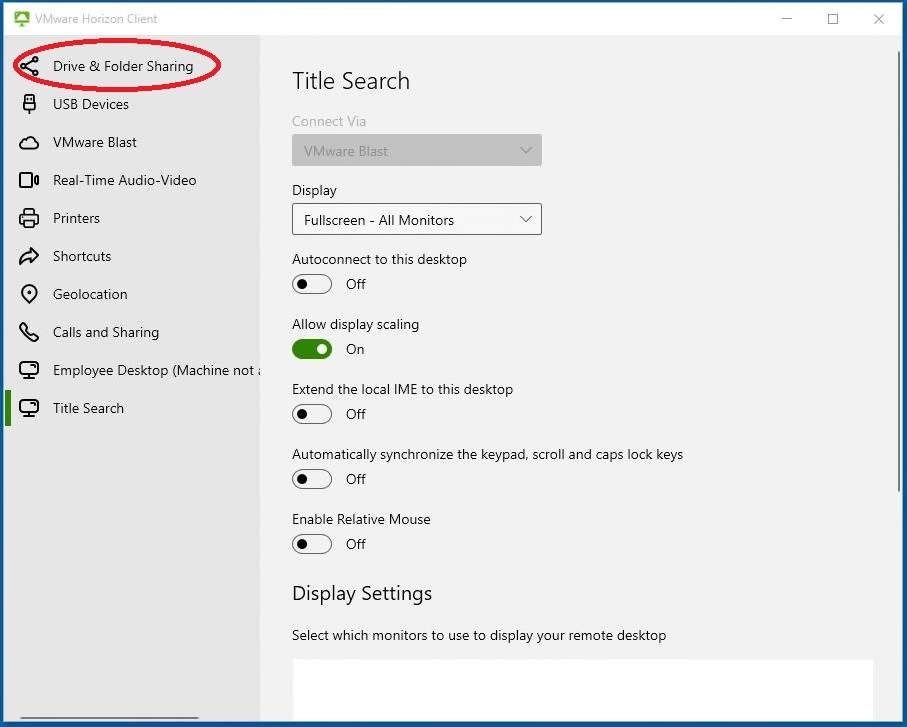
Select the screenshot to open it at full size.
Make sure the sliders are turned on, and your computer is being recognized. This is so you can save documents to your computer from the remote desktop.
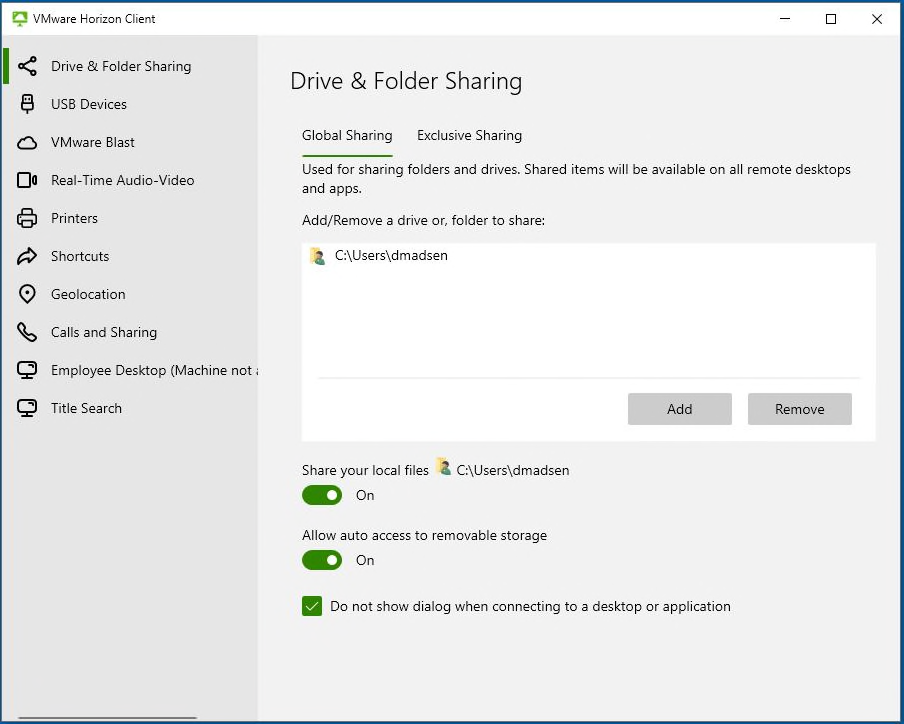
Select the screenshot to open it at full size.