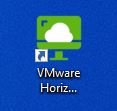
Upon restarting, you will notice the VMware Horizon icon located on your desktop, and it will look like this.
Click on the icon your screen will open and you will have to input a server to connect to.
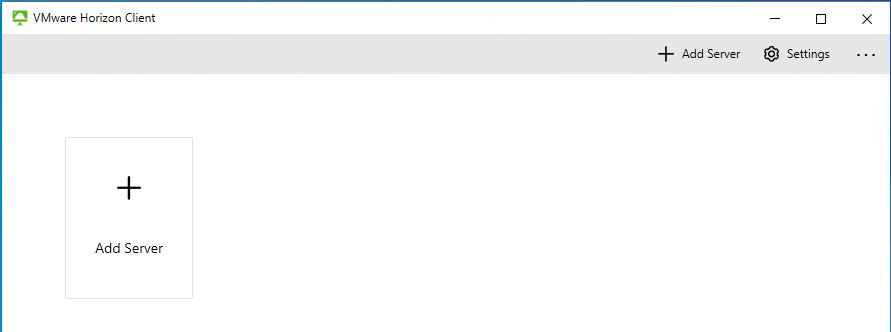
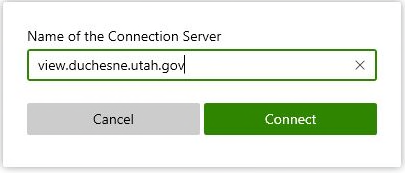
Click on the “Add Server” box, and put the following address into the field.
View.duchesne.utah.gov