
Easier to read and use
Let residents read on their phone, follow links, and find information without downloading a file or repeatedly zooming.
Turn schedules, agendas, budgets, and notices into readable, screen reader-friendly web pages. Give residents an easier way to find information, and your team a simpler way to keep it current.
WCAG 2.2 AA checks and review workflows to support your ADA Title II compliance efforts.
Share your agency website. We’ll confirm a focused document review and practical next steps.
Original PDF
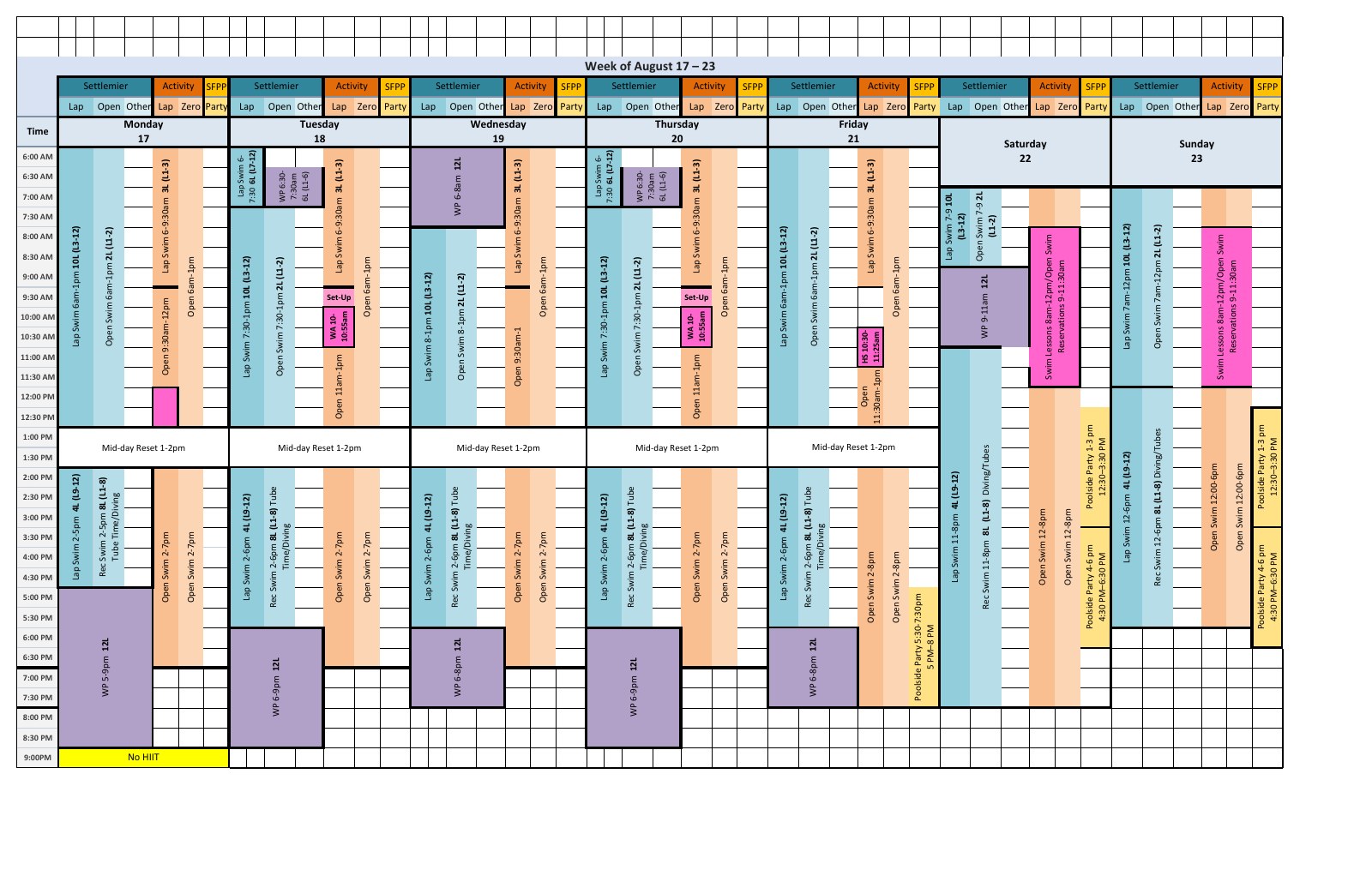
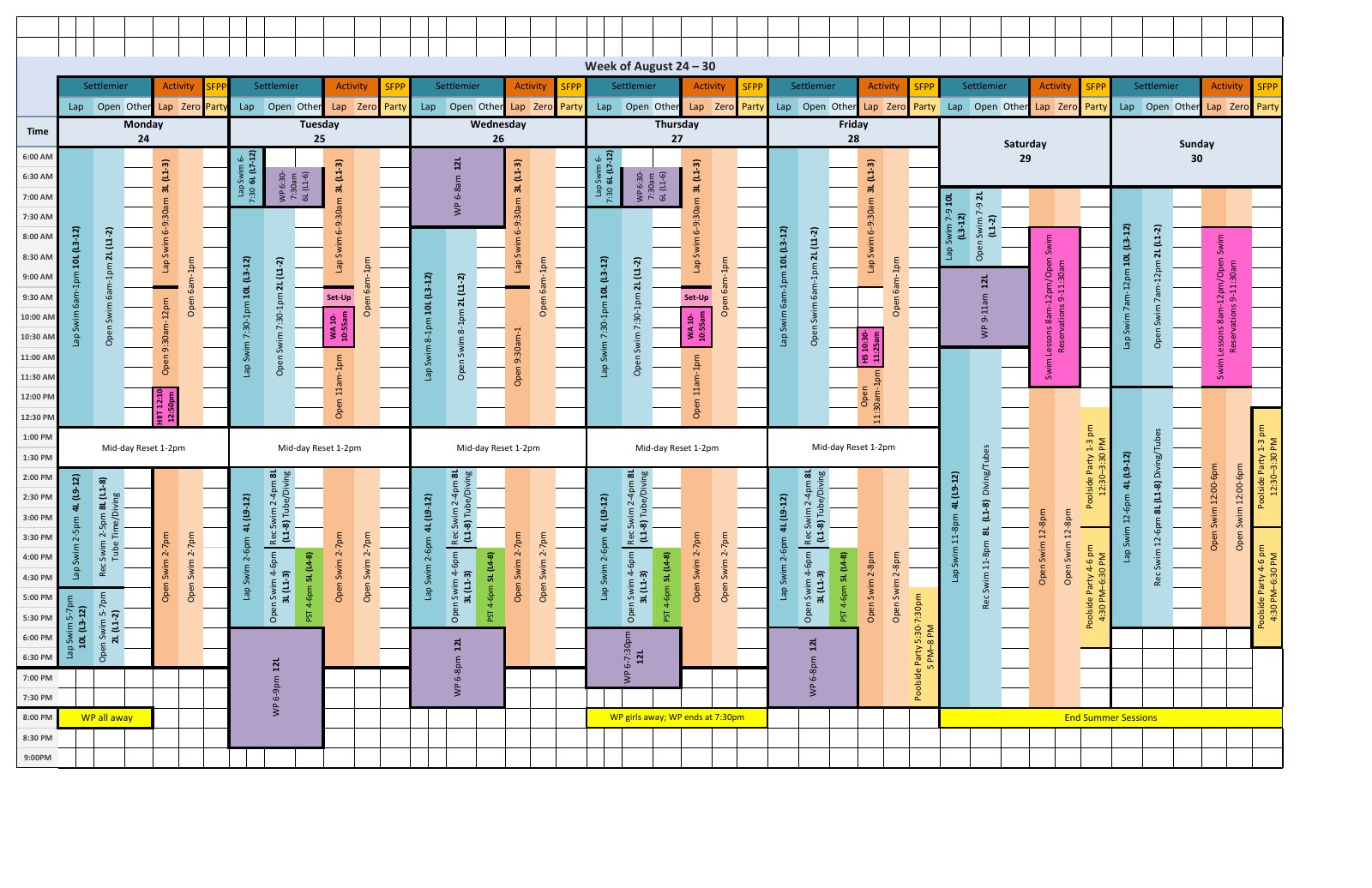
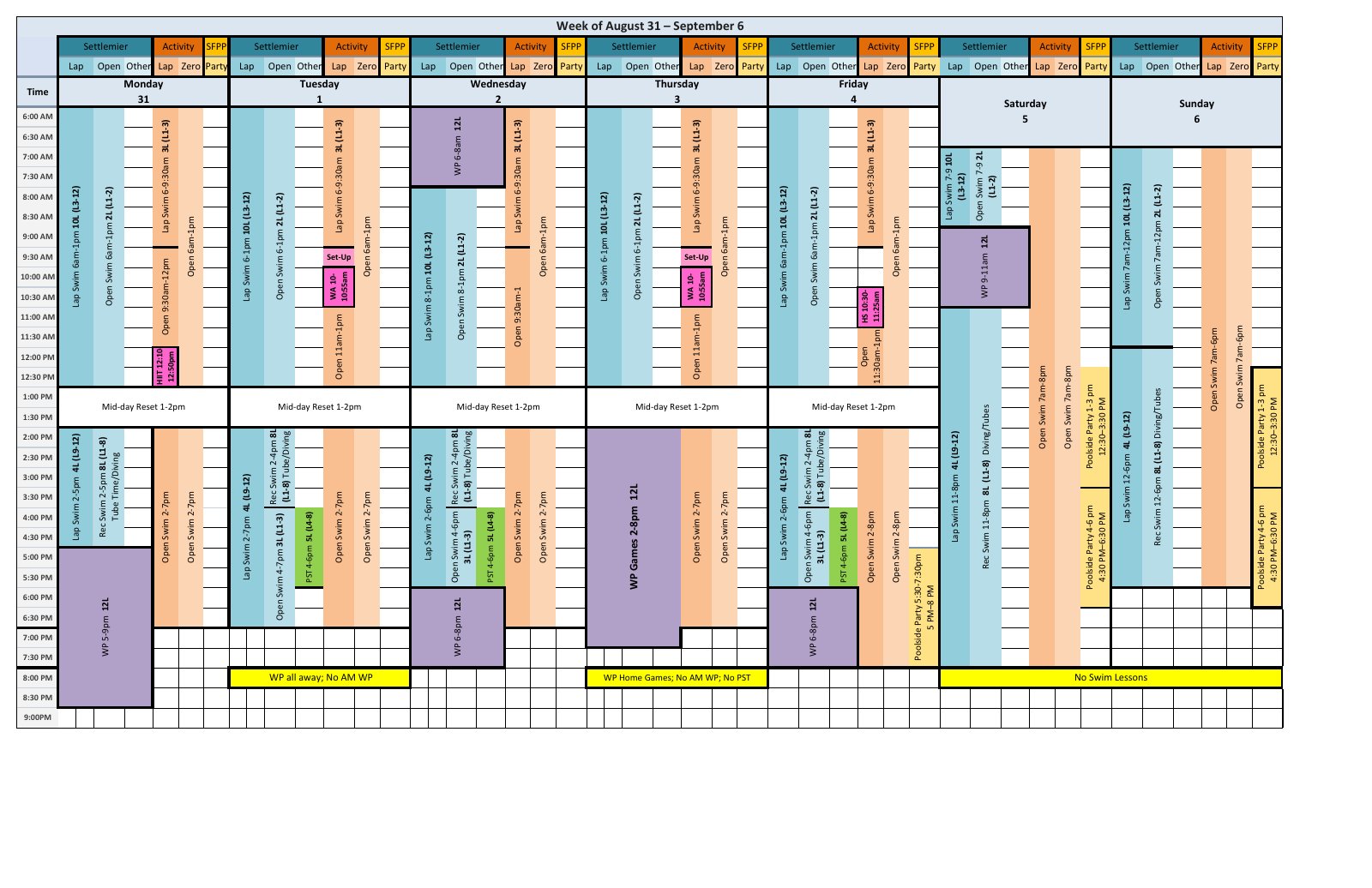
 FileToWeb
Web page
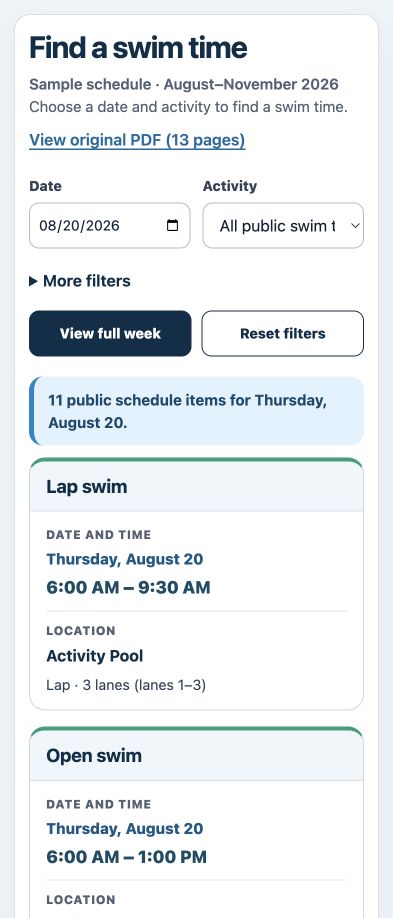
Let residents read on their phone, follow links, and find information without downloading a file or repeatedly zooming.
Correct a date, clarify a heading, improve an image description, or simplify instructions on a web page your team can edit.
Save revisions, revisit earlier versions, and choose which version goes live. Use reviewed HTML as the main experience on your website.
Strong starting points
Prioritize active services and frequently used documents. Include complex tables, scans, and diagrams in your review so the next steps reflect your real content.
Procurement example
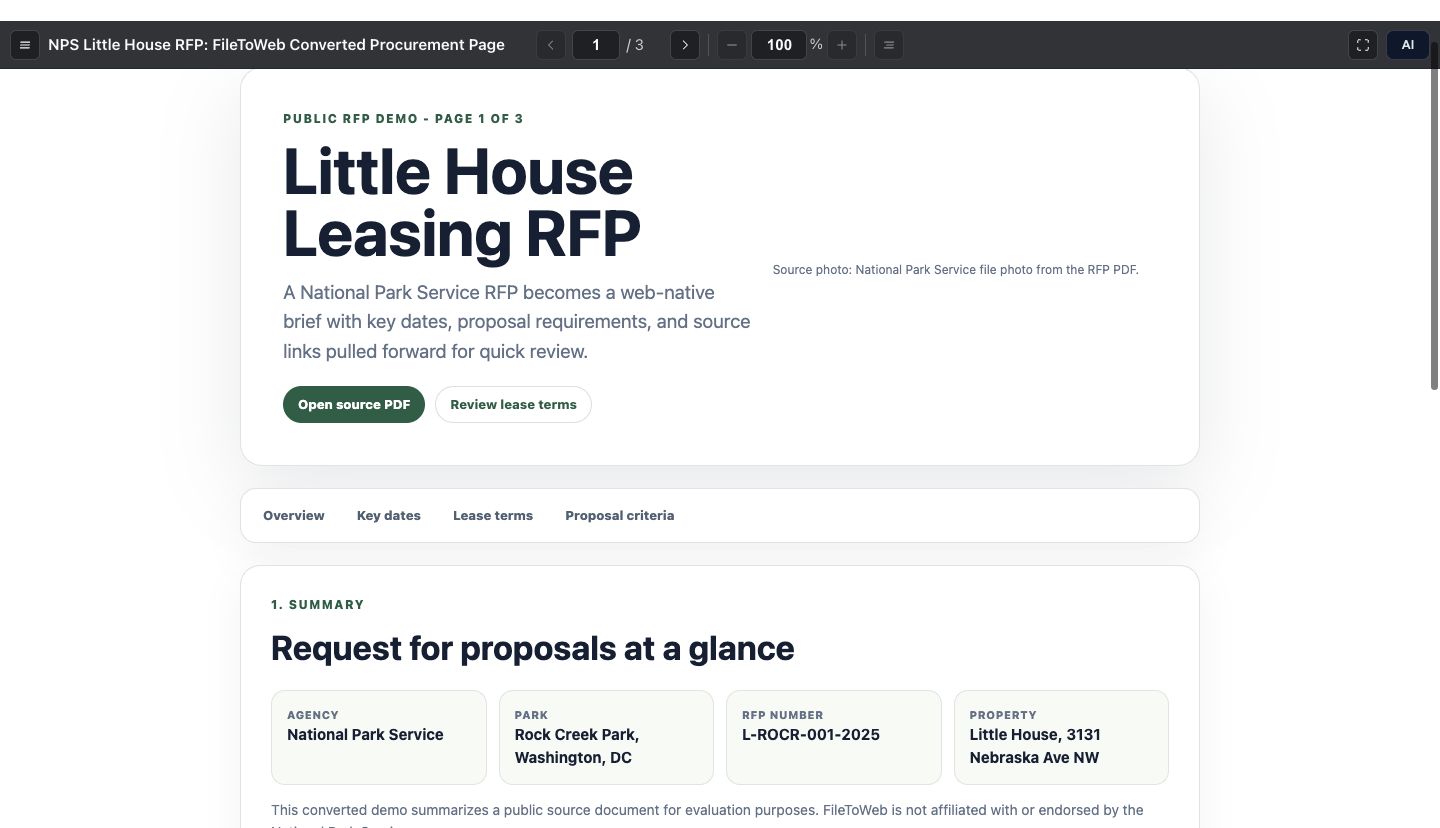
Explore a National Park Service RFP transformed into a web page with clear sections and navigable requirements.
Start with current information residents need: schedules, meeting materials, service instructions, and public notices.
Create editable HTML. Compare important text, dates, tables, links, and instructions with the original.
Run automated WCAG 2.2 AA checks, make corrections, and complete human review of the resident's task.
Use reviewed content in your website's publishing process and revisit the checks when information changes.
Reviewing privately? Select Private before uploading when content must stay restricted during review. Public FileToWeb output can become available by link when conversion finishes.

FileToWeb includes checks against WCAG 2.2 AA criteria. The ADA Title II web rule specifies WCAG 2.1 AA for covered state and local government web content.
Publish an editable WordPress Page or add HTML to existing PDF content. Make the reviewed web page the main reading experience, with a PDF download when useful.
We help you connect FileToWeb with the CMS your agency uses. Together, we can plan the publishing, review, and update process that fits your website.
Publish a FileToWeb link for a quick start, or export HTML to host on your own website.
You retain your content rights. Our standard terms permit certain training and improvement uses of newly submitted content by FileToWeb and authorized AI providers, including private content. Contact us before submitting documents that require different handling or contractual terms.
Try FileToWeb with 10 free credits and no credit card. Review an estimated credit range before PDF conversion, then choose a plan that fits your volume and team.
Compare plans and creditsMigration, custom integration, and additional review services are agreed separately. We’ll confirm scope and cost before that work begins.
Request a free accessibility report for an agreed set of public documents. We’ll use your website and priorities to shape a focused review and recommendations your team can act on.
Identify high-priority documents and the tasks residents need to complete.
Review the agreed examples for content structure, reading order, tables, images, and opportunities to improve the web experience.
Get recommendations for conversion, review, CMS publishing, and keeping the content current.
The report covers the agreed documents. It is a starting point for improvement, not a certification or a complete website audit.
Share your agency website. You can also add document context to help us tailor the report. No upload or sensitive document is needed here.
We'll confirm the review scope and next steps before requesting source documents.
Prefer to explore first? Start free with a public document
FileToWeb helps your team create responsive HTML, run WCAG 2.2 AA checks, improve content, and review the published experience. The ADA Title II web rule specifies WCAG 2.1 AA. Automated checks support the process; conformance depends on the complete experience and appropriate evaluation.
Yes. Publish reviewed HTML as the main way residents read and use information, and offer a PDF download for printing or records needs. We can help fit this approach into your CMS. Keeping an inaccessible PDF available alongside HTML does not automatically exempt it from applicable accessibility requirements.
Yes. WordPress and ProudCity have supported integrations, and we help agencies integrate with their CMS of choice. We’ll work with your team to agree how HTML is published, how PDFs remain available when needed, and how updates move through your review process.
Yes. Select Private before uploading content that must stay restricted. Public output can become available by link when conversion finishes. Private controls public access; our standard processing terms, including permitted training and improvement uses, still apply. Contact us before submitting sensitive material or content that requires different terms.
Start with the documents residents use most, then expand in manageable batches. WordPress integration supports existing-document migration and processing changed PDFs. Teams can also edit and publish saved versions in FileToWeb Studio. We’ll help plan a workflow for your library, CMS, and update frequency.
Human review and feedback from people with disabilities are essential to identifying barriers, improving usability, and supporting ongoing accessibility compliance. Your agency should involve reviewers with relevant accessibility knowledge. Any additional review services are agreed as part of the scope.
After you share your agency website, we’ll confirm a focused set of public documents to review. The report identifies priorities, records barriers found in the agreed examples, and recommends practical next steps for content and publishing. It is not a certification or a complete website audit.
New accounts receive 10 free credits, with no credit card required. Personal / Pro plans start at $20 per month and Business plans at $100 per month. PDF conversions show an estimated credit range before processing. Migration, custom integrations, and additional review services are scoped separately.
Get a focused accessibility report, or try converting a public document with your team.