
Headings and landmarks
Represent page hierarchy and major regions with meaningful web structure rather than visual coordinates alone.
FileToWeb converts source files into real web pages with semantic structure, responsive layouts, editable content, and a reviewable path to publishing.
Source document
PDF · Word · slides · more
FileToWeb
Reconstruct · generate · check
Responsive HTML
Semantic, editable, ready to review
Real source-to-web proof
Explore an RFP, a résumé, and a public publication using the same source-and-result fixtures available across FileToWeb.
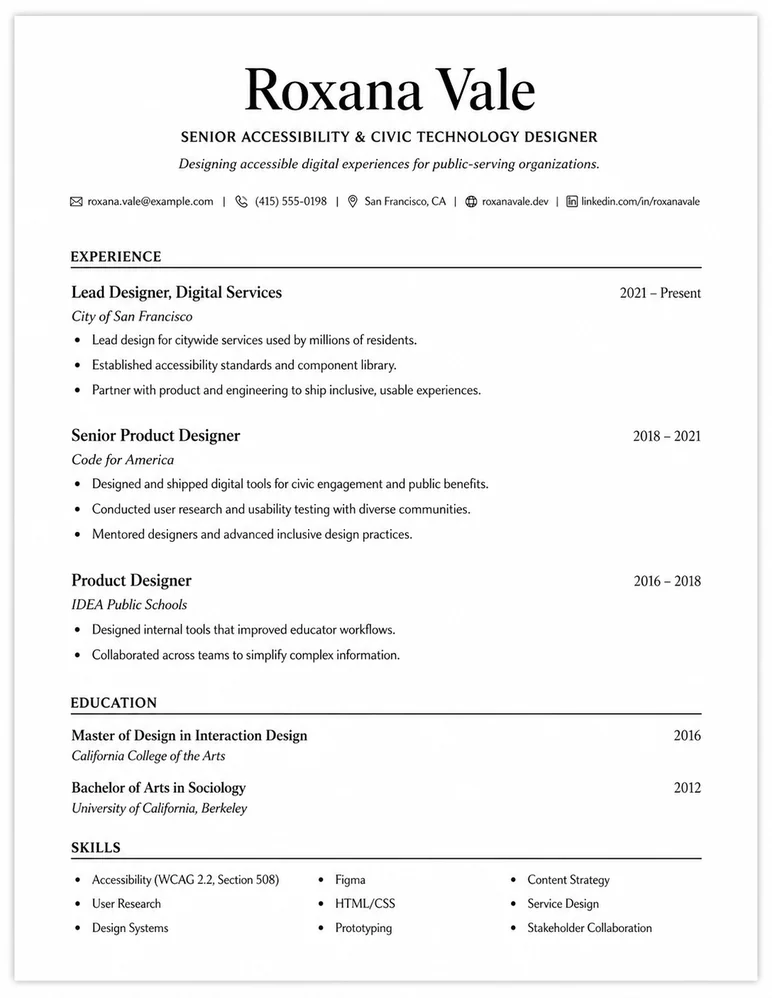
A resume PDF becomes a polished, responsive web profile.
Input PDF

 FileToWeb
Output web page

From file to publishable page
FileToWeb reconstructs the source as web content, checks the result, and hands it to Studio before anything has to become public.
Upload the source and preserve the original file as the reference point.
Interpret reading order, hierarchy, layout, media, and relationships in the source.
Create responsive HTML and run structural and automated accessibility-focused checks.
Inspect, refine, version, and approve the converted page in FileToWeb Studio.
Choose a reviewed destination: hosted HTML, a bundle, a CMS workflow, or an adapter.
More than text extraction
Useful conversion preserves the structure and relationships people need to navigate, understand, edit, and reuse the content.
Represent page hierarchy and major regions with meaningful web structure rather than visual coordinates alone.
Reconstruct tabular and grouped information so it remains readable, navigable, and editable.
Carry visual content into the page with reviewable placement, sizing, and text alternatives.
Preserve destinations and page-level information that help people find and understand the result.
Turn multi-page source material into a coherent web reading path with useful page-level navigation.
Adapt typography, spacing, media, and layout across desktop, tablet, and mobile widths.
Supported source formats
The core workflow supports the same document and image formats available from the FileToWeb upload experience.
 PDF
PDF Word
Word PowerPoint
 Excel
Excel ImagesPNG, JPG
 Google Docs
 TXTMarkdown
Publish your way
Keep the result with FileToWeb or move it through a controlled path that fits your website and publishing operations.
Publish a reviewed responsive page and share or embed it from the site you already manage.
Use a complete artifact with the HTML and supporting assets needed for a portable page.
Move reviewed output into working WordPress and ProudCity paths or scope another CMS workflow.
Use scoped access to build a controlled delivery path around your platform and approval requirements.
Open the converted result in FileToWeb Studio to review responsive previews, refine content and layout with AI assistance, check findings, save versions, and control publication.
FileToWeb can create semantic structure and surface automated accessibility-focused findings. The source, conversion, edits, and final page still require appropriate human review, and automated checks do not certify conformance with a law or standard.
Start with the core platform
Start with free credits, convert the source into responsive HTML, and review the result before you decide how to publish it.